Complete guide
How to teach and practise 1st grade geometry worksheets - standard theme (easy)
A practical guide to this 20-item geometry worksheet
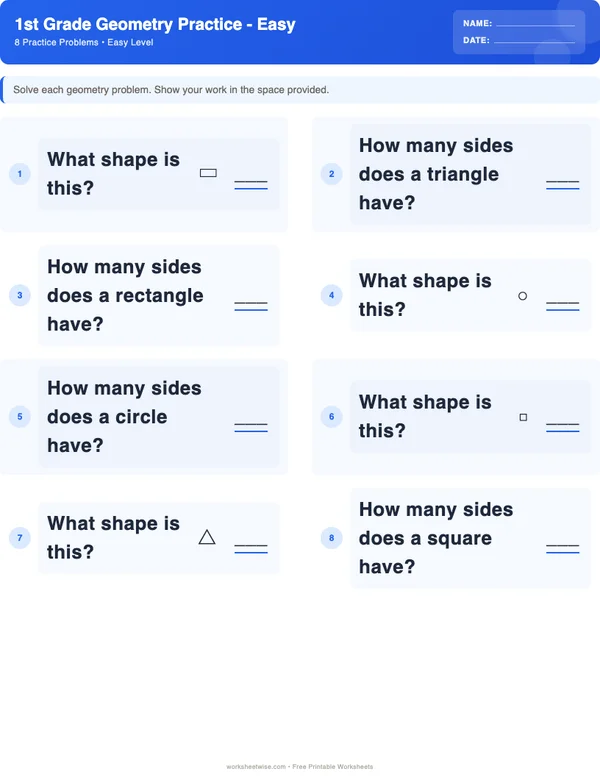
The free 1st Grade Geometry worksheet provides 20 easy-level exercises involving shapes, sides, vertices, perimeter, area, and geometric properties. Use it as a focused practice session, not as a one-sitting test of everything a learner knows. Begin by checking the printed directions and the first few items, model one similar problem, complete several items together, and then release the learner to work independently. Let the learner’s observed work determine how quickly you move.
Plan for a short lesson with pauses as needed. A learner who identifies shapes accurately but struggles to count perimeter units needs different support from one who cannot yet distinguish sides from vertices. Correct the specific misunderstanding while keeping the geometry skill intact.
Grade labels describe the intended practice level; local school and homeschool sequences differ. In particular, perimeter and area may appear earlier or later depending on the curriculum. The Common Core State Standards for Mathematics provide one useful reference for the broader progression, but the label on this printable does not establish comprehensive alignment with every local standard or sequence.
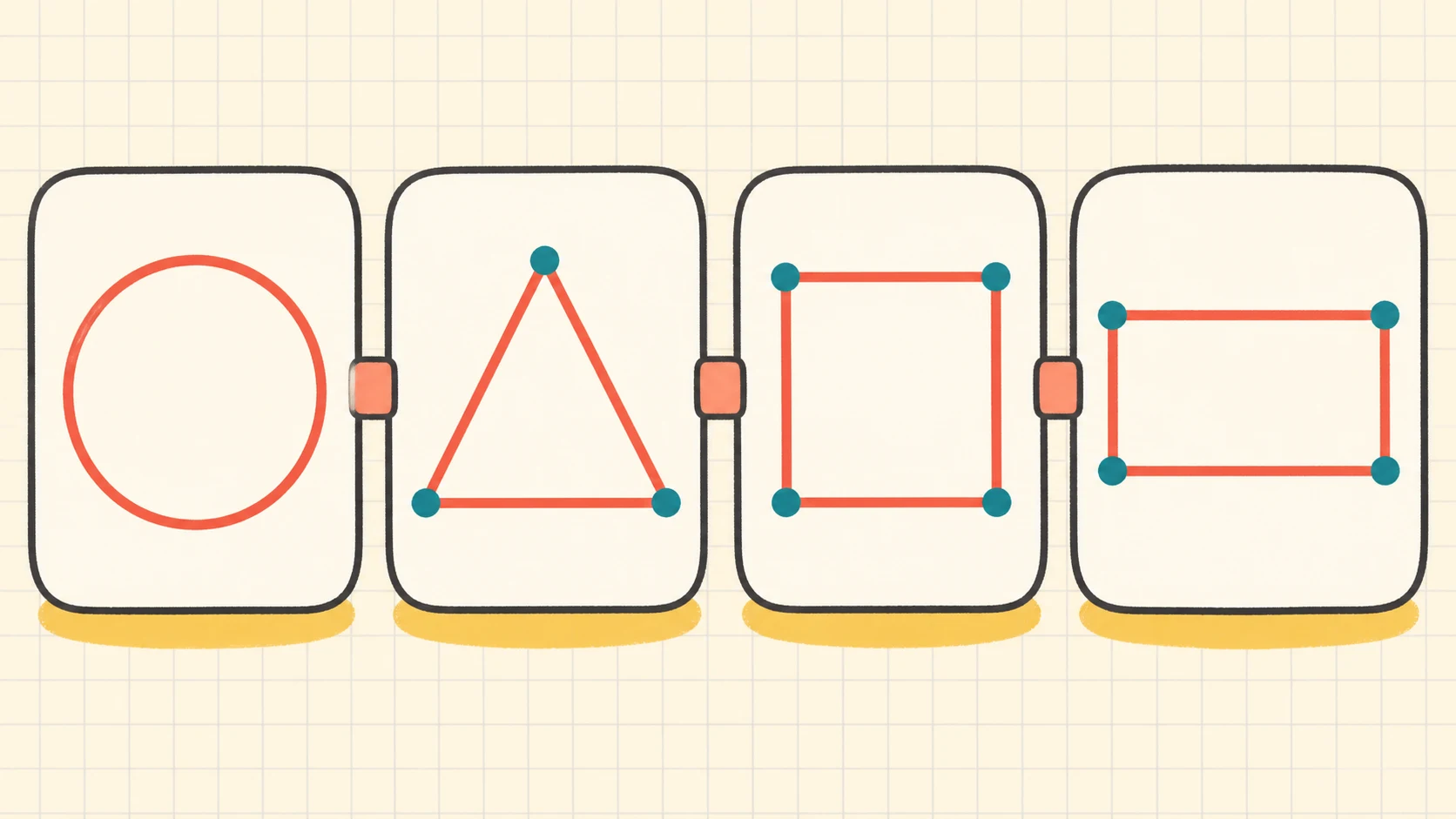
Move from a brief readiness check to modeling, guided practice, independent work, and later review.
Know what the printable does—and what it does not do
The worksheet’s stated directions are: “Solve each geometry problem. Show your work in the space provided.” Its 20 exercises cover four catalogue skills:
- shapes;
- perimeter;
- area;
- geometric properties.
The worksheet can be used for classroom practice, homework, tutoring, or a homeschool lesson. It also includes a separate printable answer key. “Easy” means the exercises are intended as straightforward practice or reinforcement. It does not mean every learner should complete all 20 items without instruction.
The catalogue does not provide the exact wording or diagram for every item in the article brief. Before teaching, look through the downloaded pages yourself. Note which shape names appear, how sides and vertices are represented, whether perimeter lengths are printed or counted from units, and whether area is shown with equal squares. Base your explanation on the actual page rather than assuming that every item uses the same format.
This printable is also not a complete geometry curriculum. It samples several foundational ideas in a compact format. For the surrounding progression—identifying, describing, composing, and later measuring shapes—use the broader 1st Grade Geometry topic guide. That guide is the better place to connect this sheet with other geometry work instead of trying to teach the whole progression during one practice session.
Prepare the learner and the materials
Print the worksheet without the answer key visible. Keep the answer key nearby for adult checking, preferably face down or on a separate device. Provide a pencil, an eraser, and a small set of optional tools:
- counters or paper clips for marking counted sides;
- square tiles or cut paper squares for area;
- craft sticks for building shapes;
- a plain sheet of paper for enlarged drawings;
- a colored pencil for tracing perimeter boundaries.
No special equipment is required. The tools simply make an abstract instruction visible when a learner needs that support.
Conduct a two-minute readiness check
Before presenting item 1, draw or point to a familiar triangle and rectangle. Ask the learner to show a side, then a corner. You may introduce or confirm the word vertex for a corner and vertices for more than one.
Next, show a small rectangle made from two rows of three equal squares. Ask the learner to touch each square once. Finally, trace the outside boundary with a finger. Do not calculate anything yet. This reveals whether the learner can distinguish the inside covering from the outside edge.
Use the responses diagnostically:
- If shape names and parts are secure, proceed to a short model.
- If the learner confuses sides and vertices, teach that distinction before opening the worksheet.
- If the learner counts interior grid lines as perimeter, model the boundary.
- If the learner cannot track equal squares reliably, allow pointing or counters during area items.
The IES practice guide on teaching mathematics to young children supports high-level use of purposeful mathematical language, representations, and monitored practice. That source offers general instructional guidance; it did not evaluate this WorksheetWise printable.
Use a clear lesson progression
A flexible sequence keeps the adult’s explanation brief while still providing evidence about readiness.
| Lesson phase | Suggested action | Evidence to watch |
|---|---|---|
| Preview | Scan the page and identify the kinds of diagrams and directions used. | Can the learner explain what an item appears to ask? |
| Model | Solve one similar problem that is not copied from a worksheet item. | Does the learner follow the counting path and vocabulary? |
| Guided practice | Complete two or three printed items together. | Can the learner choose a method with fewer prompts? |
| Independent practice | Assign a small group of items, then check. | Are errors isolated, repeated, or caused by unclear notation? |
| Feedback | Discuss the method before revealing the answer. | Can the learner find and repair the error? |
| Retrieval | Revisit selected skills after a delay. | Can the learner solve without copying the earlier method? |
This is an instructional suggestion, not a universal timetable. A learner might work through five items, pause, and return later. Another might complete all 20 accurately in one sitting. Pacing should follow the work you observe, not the number of minutes on a preset schedule.
State the four meanings plainly
Before modeling, give each idea a short, usable meaning:
- A shape name describes a figure according to its relevant properties, not its color, size, or direction.
- A side is a straight boundary segment of a polygon.
- A vertex is a corner where sides meet.
- Perimeter is the distance around the outside boundary.
- Area, when shown with equal square units, is the number of square units covering the inside without gaps or overlaps.
Keep the wording consistent. Switching casually among “edge,” “line,” “corner,” “point,” “around,” and “inside” can make a simple exercise sound like several new skills.
Model one task without taking over the page
Choose a fresh example similar in structure to the printed work. Put the worksheet aside for a moment so the learner watches the method rather than copying a marked answer.
Say what you notice, identify the requested quantity, carry out the count, and check that the answer has an appropriate label. A concise model might sound like this:
“The problem asks for perimeter, so I need the distance around the outside. I will start at one corner, move in one direction, count every outside length once, and stop when I return to the starting point.”
Then ask the learner to repeat the plan in their own words. Avoid turning the model into a long lecture about every shape property. The purpose is to reveal a usable decision process.
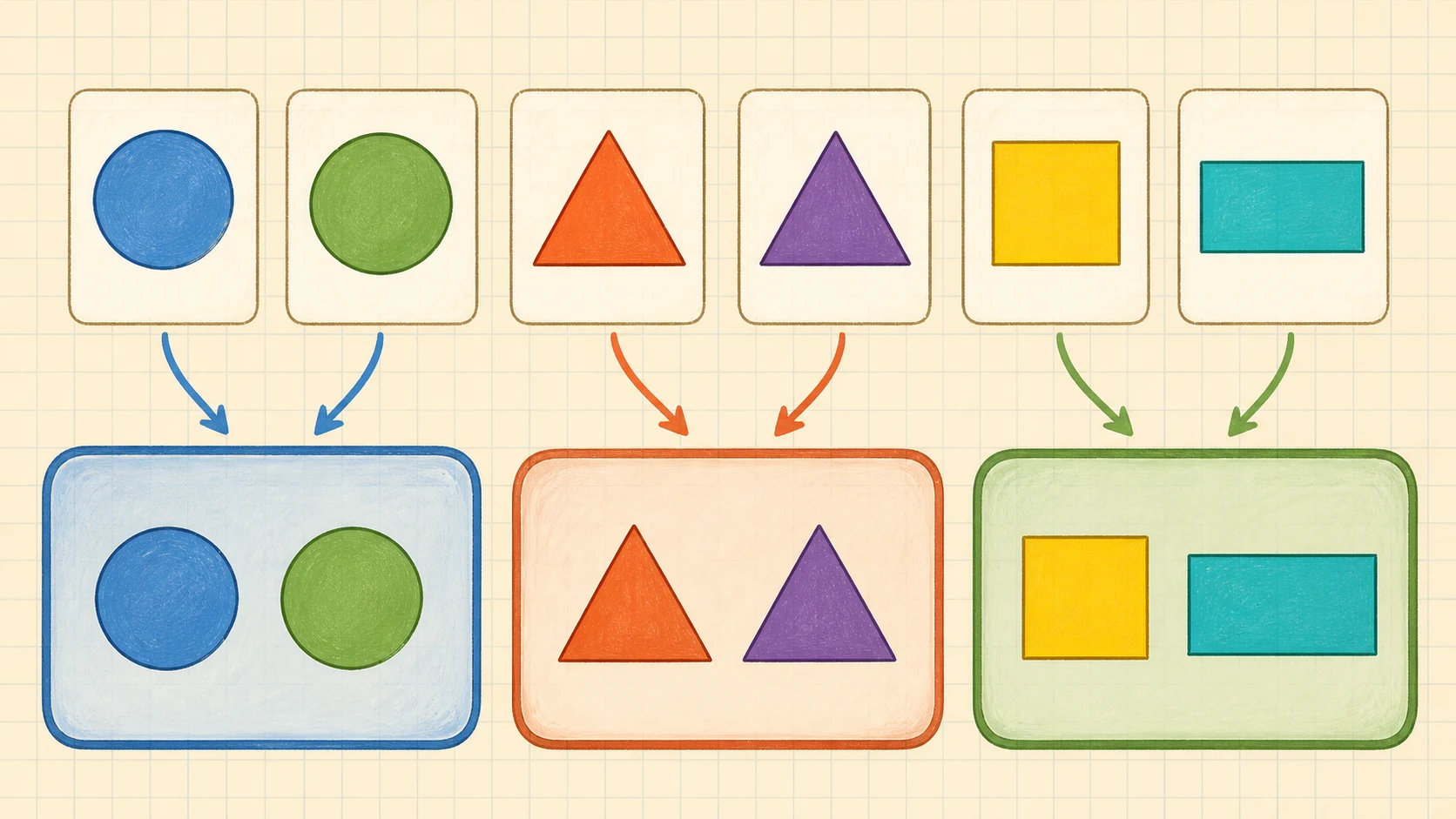
The operation follows the question: identify, count around, or count square units inside.
Work through four fully checked examples
The following examples are constructed for teaching and are not claims about the exact wording of particular worksheet items. Use them to model the listed skills before or during the printable.
Example 1: identify a shape by properties
Problem: A closed shape has three straight sides and three vertices. What is its name?
Work:
- Count the sides: 3.
- Count the vertices: 3.
- Match those properties to a shape name: triangle.
Answer: triangle.
Check: Trace the entire boundary. There are exactly three straight segments, and each pair meets at one of three vertices. Rotating the drawing would not change those properties, so it would remain a triangle.
This check matters when a learner thinks a triangle must point upward. Orientation is not one of the stated properties.
Example 2: count sides and vertices
Problem: How many sides and vertices does a rectangle have?
Work:
- Place a small dot at a starting vertex.
- Trace one direction around the shape.
- Count each straight boundary segment once: 1, 2, 3, 4 sides.
- Count the corners where the sides meet: 1, 2, 3, 4 vertices.
Answer: 4 sides and 4 vertices.
Check: Return to the starting dot. If a side or vertex is counted after returning to the dot, it has probably been counted twice.
A square also has four sides and four vertices. Therefore, those two counts alone do not distinguish every four-sided shape. Use all properties provided in the item rather than guessing from one feature.
Example 3: find perimeter
Problem: A rectangle has side lengths 5 units, 2 units, 5 units, and 2 units. What is its perimeter?
Work:
Answer: 14 units.
Check: Perimeter includes all four outside sides. Grouping equal lengths gives the same total:
The matching totals confirm the arithmetic. The answer is in units because the calculation measures distance around a boundary.
Example 4: find area by counting square units
Problem: A rectangle is covered by three rows of four equal unit squares. What is its area?
Work:
Count by rows:
Answer: 12 square units.
Check: Count by columns instead:
Both counts give 12. Each square is counted once, with no gaps or overlaps. The label is square units, which distinguishes inside covering from boundary length.
Do not require multiplication if it has not been taught. Repeated addition or a careful one-by-one count verifies the same array.
Move from guided practice to independence
Open the printable and select an item that closely matches the model. Let the learner do the physical action—pointing, tracing, marking, or counting—while you ask only the prompts needed to keep the method organized.
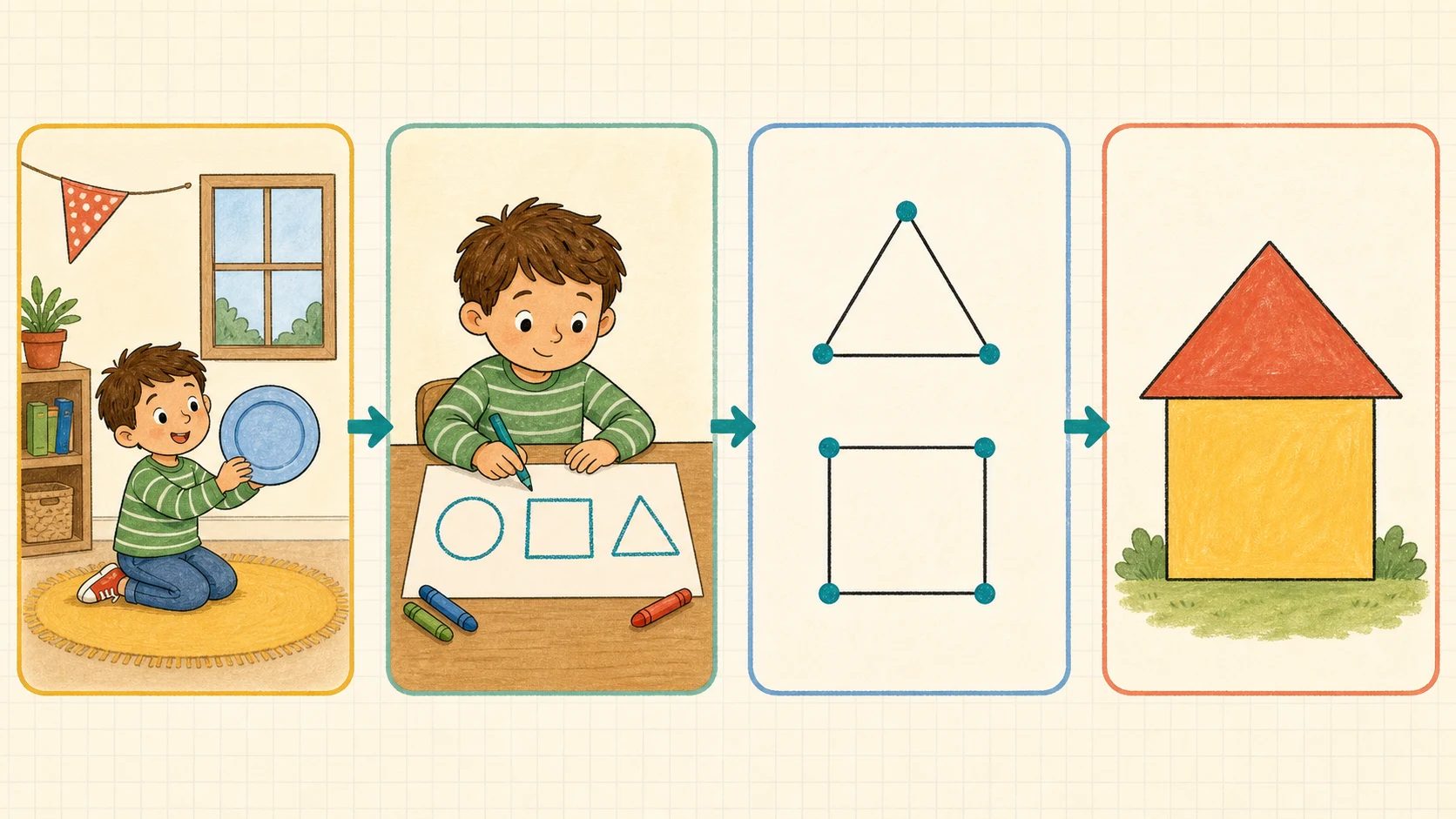
Reduce prompts as soon as the learner can select and carry out the method.
Use prompts in a fading sequence
Begin with a broad prompt:
- “What is the problem asking you to find?”
- “Which part of the picture will you use?”
- “Where will you start so you do not count twice?”
- “How can you check?”
If the learner can proceed after the first prompt, do not ask the rest. The aim is not to make the learner narrate every obvious action. It is to transfer responsibility.
Complete two or three items together, preferably representing different skills shown on the actual page. Then assign a small batch independently. Four items is often enough to reveal whether the method transfers. Check that batch before assigning more; otherwise, one misunderstanding can be repeated across the page.
Preserve the worksheet’s core demand
Support should make the geometry accessible without quietly solving it. An adult may enlarge a diagram, cover unrelated items, read directions aloud, or let the learner touch each counted unit. Those changes preserve the task.
By contrast, saying “This one is a rectangle,” drawing the counting path over every side, or giving the operation removes part of the thinking. If that level of modeling is necessary, demonstrate on a separate example and then return to an unmarked item.
The IES guide on assisting students struggling with mathematics provides high-level guidance about systematic instruction, clear mathematical language, representations, and cumulative review. Treat those ideas as general instructional framing, not as proof that one specific intervention or timetable will fit every learner.
Adapt support without changing the skill
Use the least intrusive support that produces organized, interpretable work. Remove it when the learner no longer needs it.
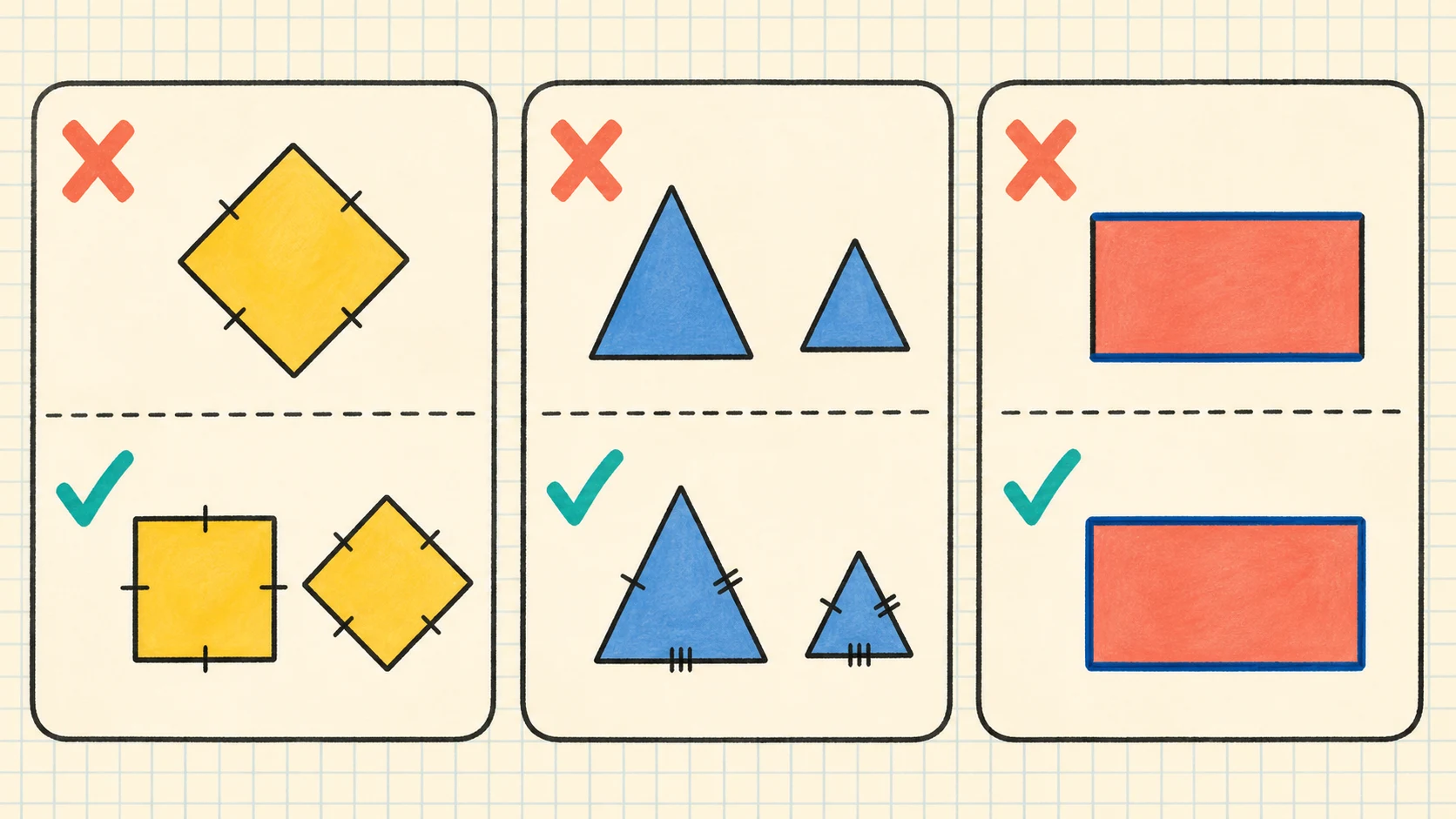
Adjust visibility, tracking, or response load while keeping the same geometry decision.
For a learner who loses visual place
Cover the rest of the page with blank paper and reveal one item at a time. Enlarge the worksheet if small diagrams interfere with accurate counting. Let the learner mark a starting vertex, trace sides lightly, or place a dot in each square already counted.
These are tracking supports. The learner still identifies the feature and produces the answer.
For a learner who needs concrete representations
Build a sample polygon with craft sticks and touch each stick when counting sides. For area, recreate a printed rectangular array using equal square tiles. For perimeter, run a finger or a short piece of string around the outside boundary.
Return to the printed representation after the demonstration. The physical model should clarify the picture, not replace all picture-based practice.
For a learner ready for more challenge
Keep the same skill but ask for a justification or a second method:
- “How do you know the shape name stays the same when it turns?”
- “Can you check the area by counting in another direction?”
- “Can you find the perimeter with a different addition order?”
- “Which properties rule out another shape name?”
Do not add unrelated arithmetic merely to make an easy worksheet feel harder. Deeper explanation is a more useful extension than larger numbers when geometric understanding is the goal.
Families seeking additional grade-level material can browse the 1st Grade worksheet hub or the more focused 1st Grade Math collection. Choose follow-up work from the learner’s demonstrated need rather than assigning extra pages automatically.
Treat boundary cases as tests of meaning
A boundary case helps reveal whether the learner understands a property or is matching a familiar picture.
Turned and stretched shapes
A triangle pointing sideways is still a triangle if it has three straight sides and three vertices. A long, narrow rectangle remains a rectangle. Size, color, and position do not change those properties.
Include different orientations when you draw teaching examples. Do not tell the learner that a rotated shape is a “trick.” Instead, ask which relevant properties stayed the same.
Squares, rectangles, and incomplete information
A square and a non-square rectangle can both have four sides and four vertices. If an item supplies additional properties, use them. If it supplies only a picture, follow the naming convention expected by that actual item and verify with its answer key.
Do not extend a simple naming exercise into a full classification argument unless the learner is ready and the distinction is relevant. The broader topic guide is a better place for a fuller progression.
Perimeter versus area
A rectangle that is 3 units by 2 units has:
and, if covered by a -by- array of unit squares:
The numbers and labels differ because the questions measure different things. Tracing the outside and then touching the inside squares makes the contrast visible.
A boundary-only drawing without square units does not automatically supply enough information to count area. Likewise, an array of squares may show area clearly but still require careful interpretation before determining perimeter. Teach the learner to use the information actually provided.
Interpret errors before correcting them
A wrong answer is most useful when the adult identifies the process that produced it. Ask the learner to show where the count began and what was counted. Avoid starting with “Try again” when the method is still hidden.
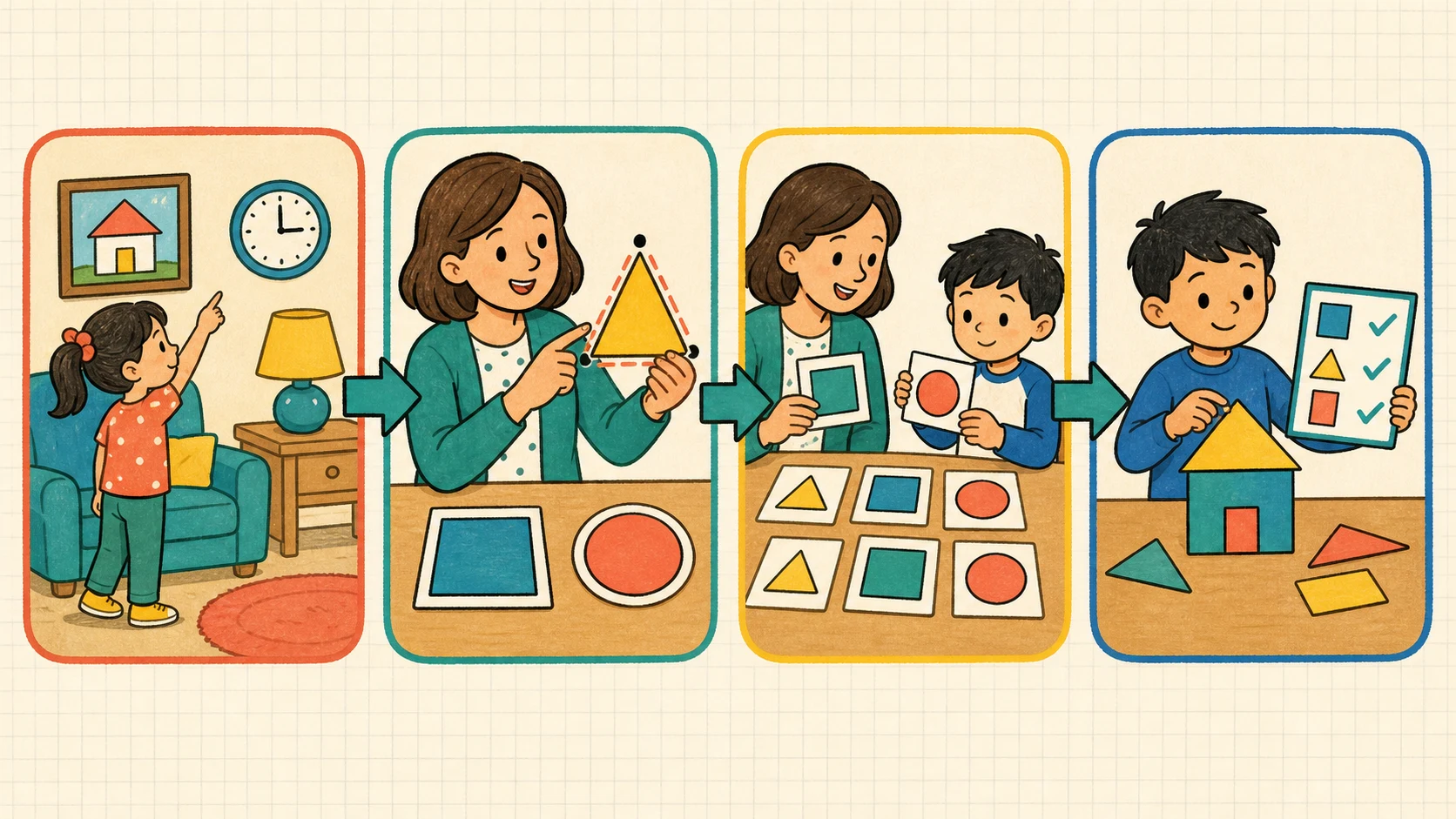
Name the requested quantity, mark a start, count once, label the result, and verify another way.
Common error patterns include:
| Observed work | Likely interpretation | Focused response |
|---|---|---|
| Calls every four-sided figure a square | Relies on a familiar label rather than all visible properties | Compare a square and a non-square rectangle; count and describe what is the same and different. |
| Counts a starting vertex twice | Has no clear stopping rule | Mark the starting point and stop upon returning to it. |
| Gives the number of vertices when asked for sides | Confuses the vocabulary | Touch a boundary segment for side and a meeting point for vertex. |
| Adds only two sides for perimeter | Treats named dimensions as the whole boundary | Trace all outside sides and record each length once. |
| Counts internal grid lines for perimeter | Confuses partition lines with the outside boundary | Color or trace only the outer edge. |
| Counts around the outside for area | Uses a perimeter action for an area question | Cover the inside with equal squares and count the squares. |
| Writes a correct number with no unit | May not distinguish length from square-unit covering | Ask what was measured and add the appropriate label when the item expects one. |
| Produces inconsistent counts on the same diagram | Tracking, not necessarily concept knowledge, may be the issue | Add a starting mark or dot each counted object. |
One error does not establish a stable misconception. Look for repetition across comparable items. If the learner repairs the work after a neutral prompt, the issue may be attention or tracking. If the same error returns, pause independent work and model a new example.
Avoid erasing every wrong answer immediately. A light correction beside the original work can preserve evidence of what changed. If too many marks make the page confusing, redo one item cleanly on separate paper.
Use the answer key responsibly
The separate answer key is for checking, but it should not replace examining the learner’s reasoning. First solve or inspect the item yourself. Then compare the learner’s answer with the key.
Use this sequence:
- Confirm that you are matching the correct item number.
- Check the requested quantity: shape, sides, vertices, perimeter, area, or another stated property.
- Recalculate counts or sums independently.
- Compare with the provided key.
- If the learner’s answer differs, ask for the method before showing the keyed response.
- If the diagram or notation appears ambiguous, do not force agreement without rechecking the printed page.
The key can confirm an intended answer, but it cannot explain whether a wrong response came from vocabulary, visual tracking, arithmetic, or a misunderstanding of the diagram. It also cannot tell you by itself whether the learner is ready for harder work.
When the final answer is correct but the work is disorganized, ask for one clear check rather than requiring the whole page to be redone. When the answer is wrong but the method is mostly sound, correct the smallest step that failed.
Decide what to do after the worksheet
Sort the completed items by skill instead of relying only on a total score. A learner might be secure with shape identification and vertices while still confusing perimeter and area. That profile is more actionable than “15 out of 20.”
Use three practical categories:
- Secure: The learner answers comparable items accurately and can explain or check the method.
- Developing: The learner succeeds with a starting mark, manipulatives, a vocabulary reminder, or one adult prompt.
- Not yet secure: The learner repeatedly uses the wrong feature or procedure even after a separate model.
For secure skills, stop unnecessary repetition and revisit them later. For developing skills, provide another short set with the same structure and gradually remove support. For a not-yet-secure skill, return to concrete examples and fewer items. Do not simply assign the entire worksheet again without changing the instruction.
The 1st Grade Geometry Worksheet Pack contains 18 worksheets and may be useful when varied practice is appropriate. The listed price is $4.79. It is an optional next resource, not evidence that a learner needs all 18 worksheets.
Schedule brief retrieval after initial practice
Retrieval means asking the learner to recall and use the idea after some time has passed, without displaying the completed answer first. The exact spacing should respond to observed work.
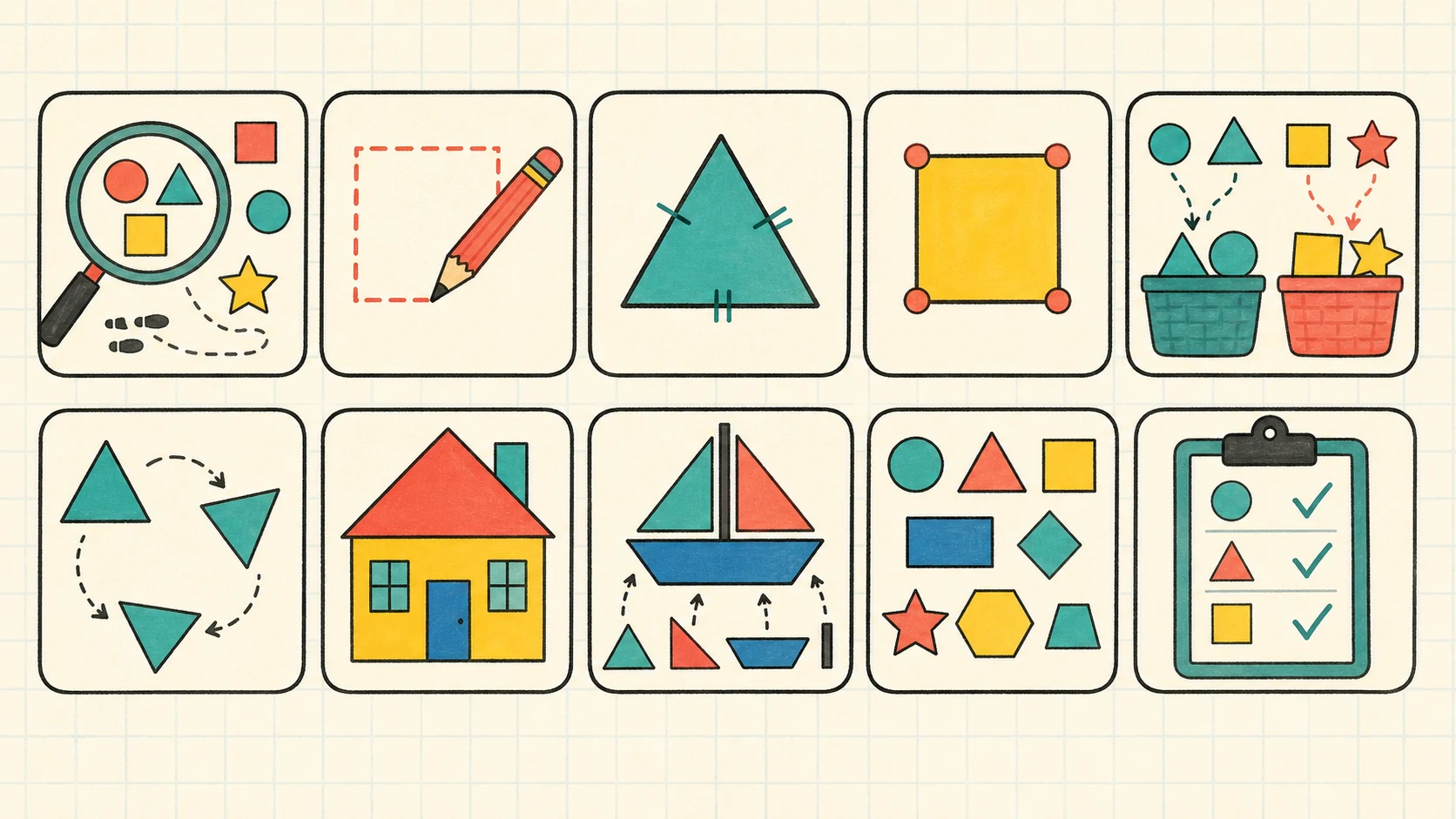
Revisit a few representative skills after delays, then adjust the next interval from the learner’s work.
A practical, adjustable plan is:
| Time | Retrieval task | Decision |
|---|---|---|
| Later the same lesson | Ask the learner to explain the difference between a side and a vertex. | Reteach briefly if the explanation depends on guessing. |
| A few days later | Draw one rotated shape and one small perimeter or area example. | Keep support only where an error recurs. |
| About a week later | Give two to four mixed items without showing the completed worksheet. | Extend the interval if methods remain accurate. |
| During a later math review | Mix one geometry item with other familiar math work. | Return to focused practice if the learner confuses the requested quantity. |
This is a suggested structure, not a universal schedule. Shorten the interval after repeated errors. Lengthen it when the learner solves accurately and explains why. Avoid using the identical 20-item page so frequently that answers are recalled from page position rather than reconstructed from geometric properties.
Recognize the worksheet’s limitations
A printable provides efficient written practice, but it cannot show everything about spatial reasoning. Correct answers may come from memorized visual patterns, while an incorrect answer may reflect a crowded diagram or lost counting place rather than weak geometry knowledge.
The sheet also covers several skills within only 20 items. It may not contain enough comparable examples to establish mastery of each one. Because local sequences differ, an adult should not interpret difficulty with an unfamiliar area or perimeter format as proof that the learner is behind.
Use observations from talk, drawing, building, tracing, and written work together. Keep claims narrow: the worksheet shows how the learner handled these exercises under these conditions. It does not diagnose a learning condition, guarantee future performance, or provide medical or child-specific guidance.
Take the next useful step
After checking the page by skill, choose one next action. If shape names, sides, and vertices are still developing, return to hands-on sorting and the broader Geometry guide. If the learner is ready for another short practice set, use the free worksheet generators to create fresh items rather than immediately repeating remembered answers. If all four skills appear secure, schedule a small mixed review and move to the next relevant geometry lesson in the local sequence.
Put it into practice
Use the guide with a real printable
Move from explanation to a short, observable practice task. Check the first item together, then adjust the next session from the learner's actual work.
See the 18-worksheet pack